声明
环境:macOS 26.3 M1
Burp Suite Pro 2025.2.4
下载本体
前往PortSwigger门户下载本体
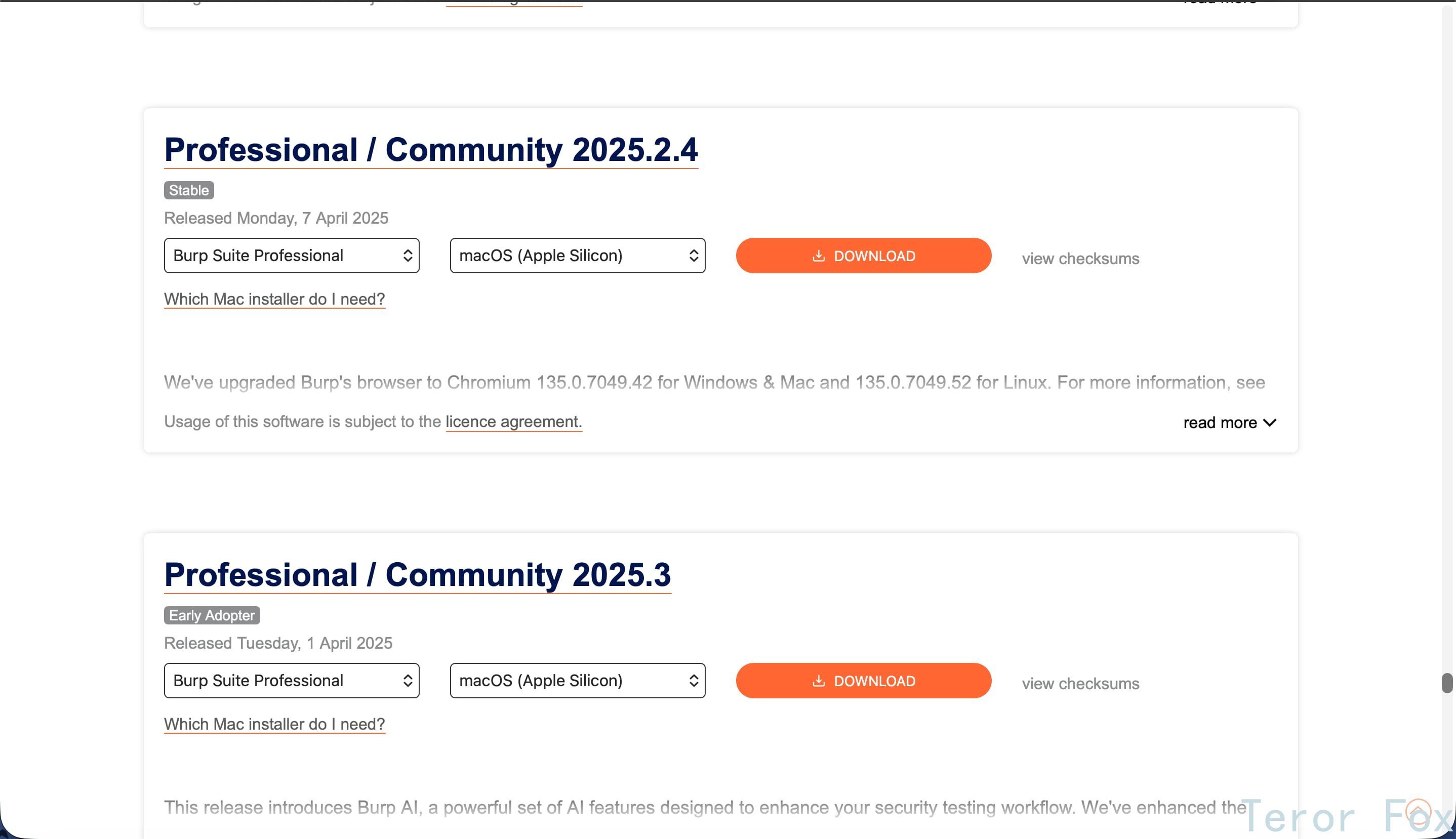
image-20260216213629201
正常执行安装步骤
移入文件夹,这步都会吧
然后一定要先运行一次!
然后一定要先运行一次!
然后一定要先运行一次!
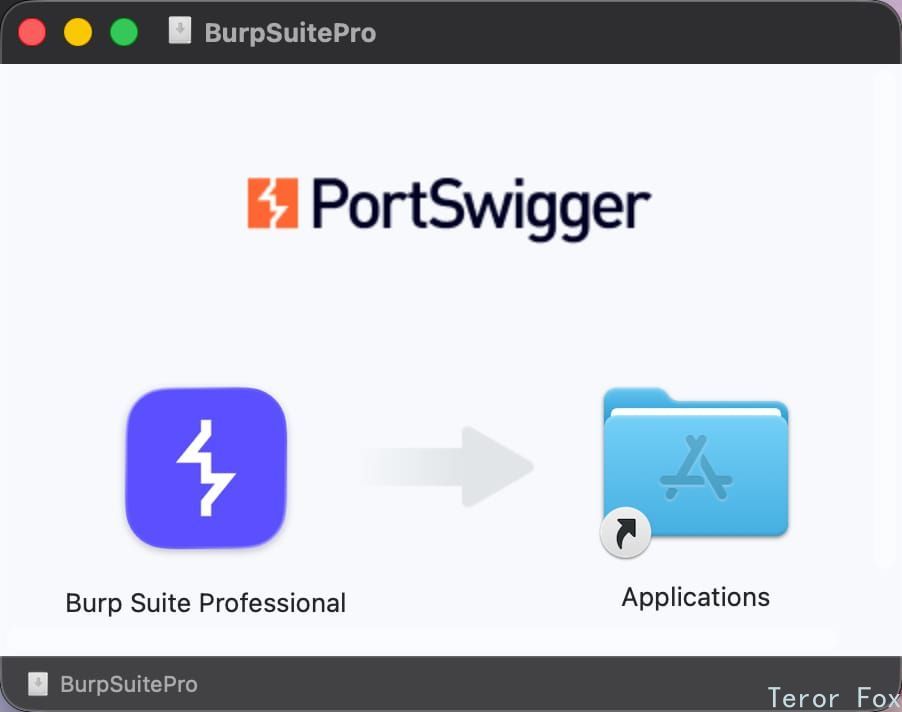
image-20260216212143656
执行Crack
修改文件
右键应用,选择显示包内容
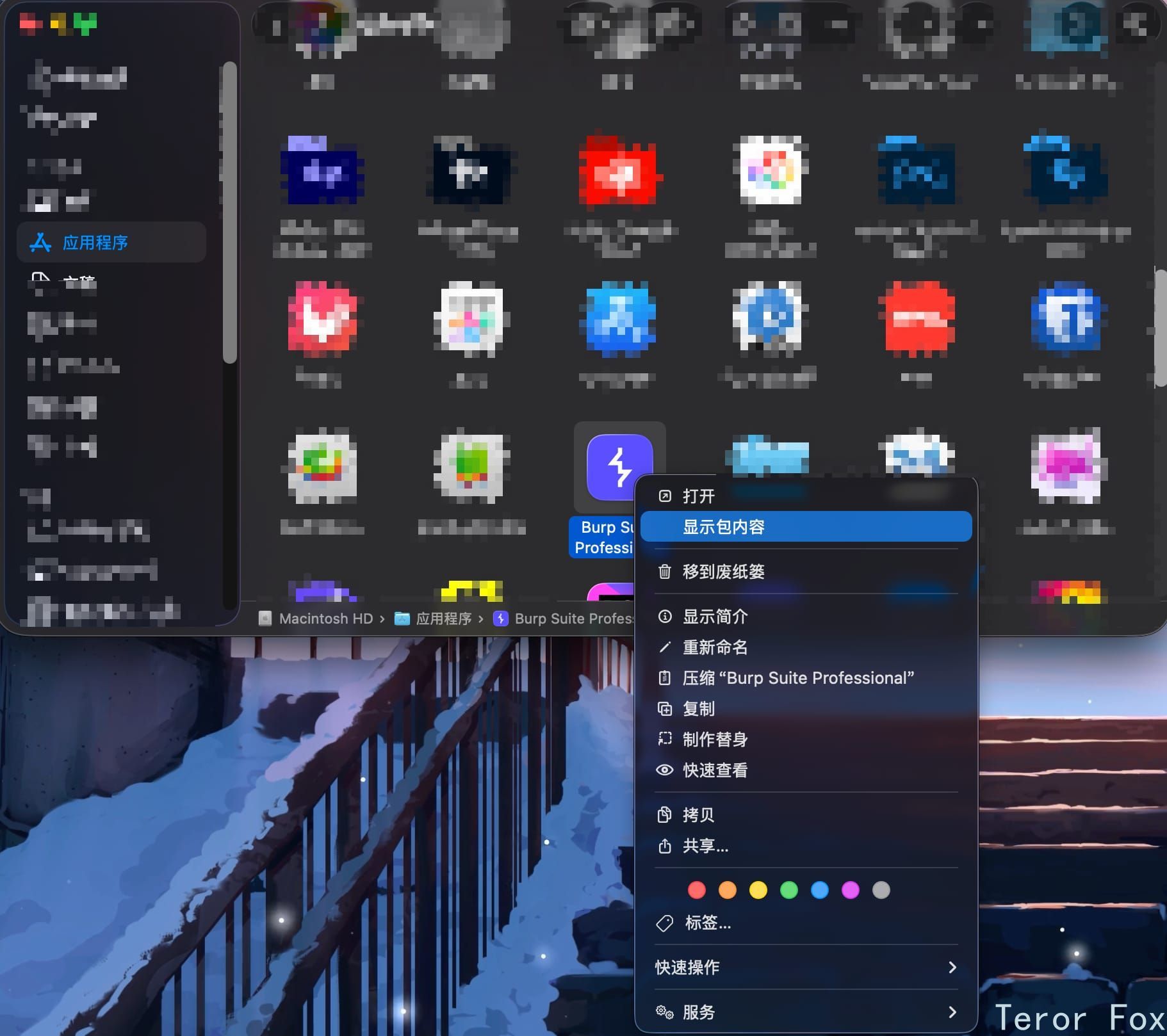
image-20260216212458047
进入Contents目录
用VS Code编辑vmoptions.txt
DIFF
# Enter one VM parameter per line
# For example, to adjust the maximum memory usage to 512 MB, uncomment the following line:
# -Xmx512m
# To include another file, uncomment the following line:
# -include-options [path to other .vmoption file]

 -XX:MaxRAMPercentage=50
 -include-options settings.vmoptions
 -include-options user.vmoptions
+ -javaagent:BurpLoaderKeygen.jar
+ -javaagent:BurpSuiteChs.jar
+ --add-opens=java.base/java.lang=ALL-UNNAMED
+ --add-opens=java.base/jdk.internal.org.objectweb.asm=ALL-UNNAMED
+ --add-opens=java.base/jdk.internal.org.objectweb.asm.tree=ALL-UNNAMED
+ --add-opens=java.base/jdk.internal.org.objectweb.asm.Opcodes=ALL-UNNAMED
+ -noverify
纯净版:
# Enter one VM parameter per line
# For example, to adjust the maximum memory usage to 512 MB, uncomment the following line:
# -Xmx512m
# To include another file, uncomment the following line:
# -include-options [path to other .vmoption file]

-XX:MaxRAMPercentage=50
-include-options settings.vmoptions
-include-options user.vmoptions
-javaagent:BurpLoaderKeygen.jar
-javaagent:BurpSuiteChs.jar
--add-opens=java.base/java.lang=ALL-UNNAMED
--add-opens=java.base/jdk.internal.org.objectweb.asm=ALL-UNNAMED
--add-opens=java.base/jdk.internal.org.objectweb.asm.tree=ALL-UNNAMED
--add-opens=java.base/jdk.internal.org.objectweb.asm.Opcodes=ALL-UNNAMED
-noverify
放入汉化与Crack文件
将BurpSuiteChs.jar和BurpLoaderKeygen.jar两个文件放入如下目录: Contents/Resources/app/
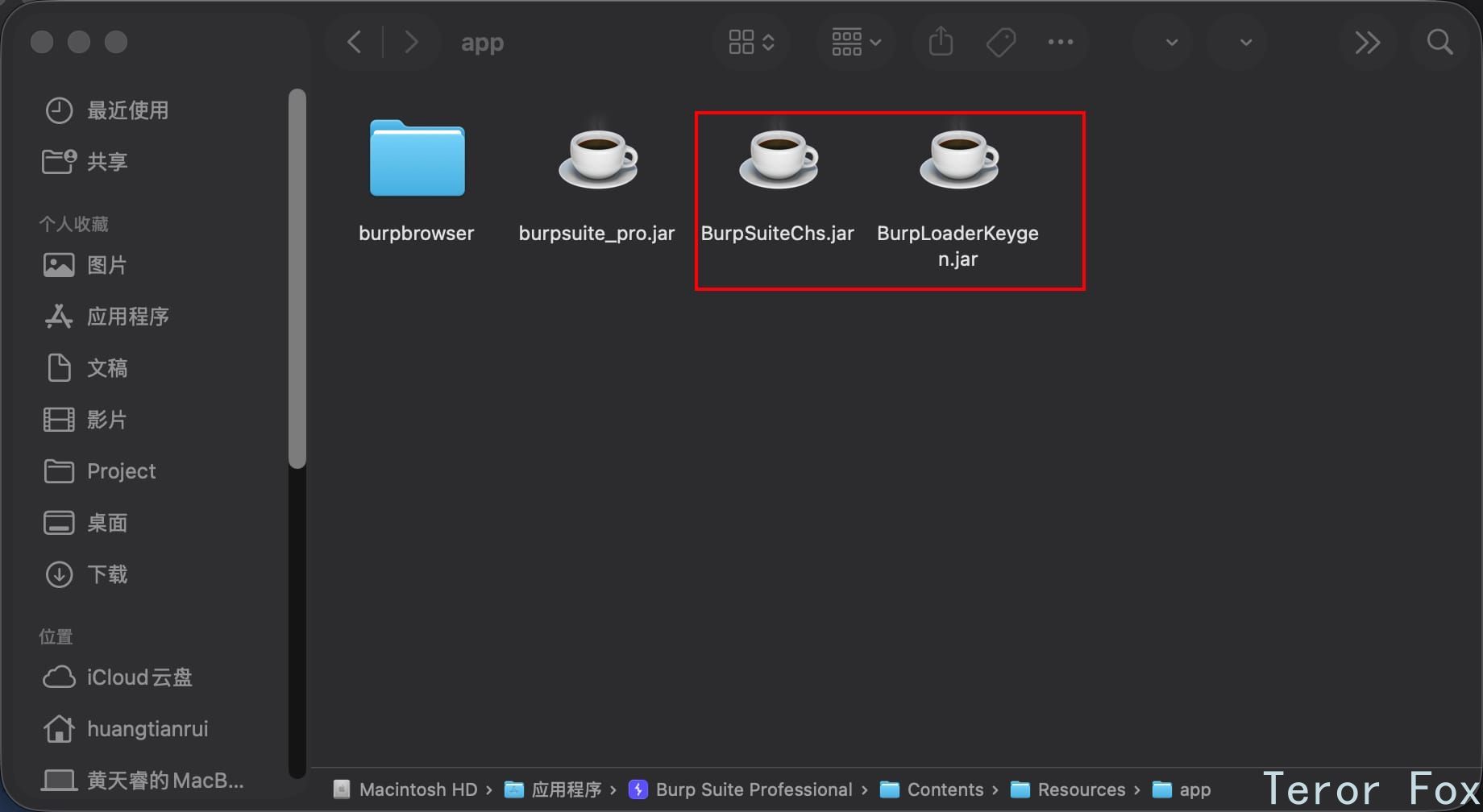
image-20260216213042053